

If you run a small business, you’ve probably already tried to fix your project chaos with a spreadsheet. Maybe two spreadsheets. Maybe a shared doc titled “MASTER LIST (updated)” that nobody has opened since March.
That’s not a personal failing. It’s what happens when a 6-person team tries to run projects with tools built for a 600-person company, or with no tool at all. This guide isn’t another list ranking software by feature count. It’s built around one question: what actually works when you don’t have an IT department, a training budget, or three weeks to get everyone comfortable with a new system?
We’ll cover the best project management tools for small business in 2026, what they cost once you add up the real numbers (not just the homepage price), and how to pick the right one without burning a month on trials.
What Small Businesses Actually Need From Project Management Software
Enterprise software reviews love to talk about “scalability” and “cross-functional alignment.” A 10-person marketing agency doesn’t care about either of those things. It cares about whether Maria can see what Jake is working on without asking him in Slack, and whether the client update goes out on time.
That gap is the whole problem with most project management tools for small business buying guides which are written by people evaluating tools for enterprise IT departments, then repackaged for smaller readers without changing the criteria. Small business project management software has to clear a different bar entirely.
Here’s what actually matters when you’re small:
Setup measured in hours, not weeks. If a tool needs a consultant to configure it, it’s not a small business tool — no matter what the marketing page says. You should be creating your first project within an hour of signing up.
Pricing you can understand without a phone call. “Contact Sales” is a red flag for a 5-person team. You want a number on the page, and you want to know what happens to that number when you add your 6th employee.
A learning curve near zero. Your team isn’t going to sit through a certification course. If the person who’s bad with computers can’t create a task on day one, the tool has already failed.
Room to grow without a full migration. You don’t need enterprise features today. But switching tools every 18 months because you outgrew the last one is its own tax on your time — worth thinking about even at the small end.
No ten jobs performed adequately, rather one job performed well. Many platforms make an attempt to be your CRM, chat application, and project tracker all in one. If a tool can do everything perfectly, the one that actually does the job is more useful to most small teams than a tool that does 60%.
Keep these five in mind as you read the rest of this guide, For more on running a leaner operation, browse our business productivity guides. All of the suggestions listed below go through them, not a generic enterprise feature checklist.
The Real Cost of Skipping the Right Tool
Before the list of tools, it’s worth sitting with the actual cost of not having one because “we’ll just use email and a spreadsheet” always feels free until you count what it’s quietly costing you.
Picture the pattern: a client emails asking for a status update, because there’s nowhere for them to check it themselves. Two people independently start the same piece of work because neither knew the other had picked it up. A deadline slips not because anyone missed it, but because nobody was tracking it in the first place, it just existed in someone’s head, and that someone was on vacation.
None of this shows up as a single dramatic failure. It shows up as friction — meetings that exist only to answer “where are we on this,” a founder who’s become the human router for every question, and a nagging sense that the business is bigger than what any one person can hold in their head anymore. That’s usually the actual trigger for switching to real project tracking software: not a catastrophe, just the slow realization that “we’ll remember” stopped being true a while ago.
The fix isn’t necessarily expensive. Several of the tools below have workable free tiers, and the cheapest paid plans run less than a coffee subscription per person, per month. The point isn’t to spend more to stop paying the hidden cost of not deciding.
11 Best Project Management Tools for Small Business in 2026
Here’s the list — tested against the five criteria above, not against a generic enterprise feature matrix. Pricing shown is per user, per month, billed annually, unless noted; monthly billing runs higher across the board.
1. Monday.com — The best all-round solution for growing teams
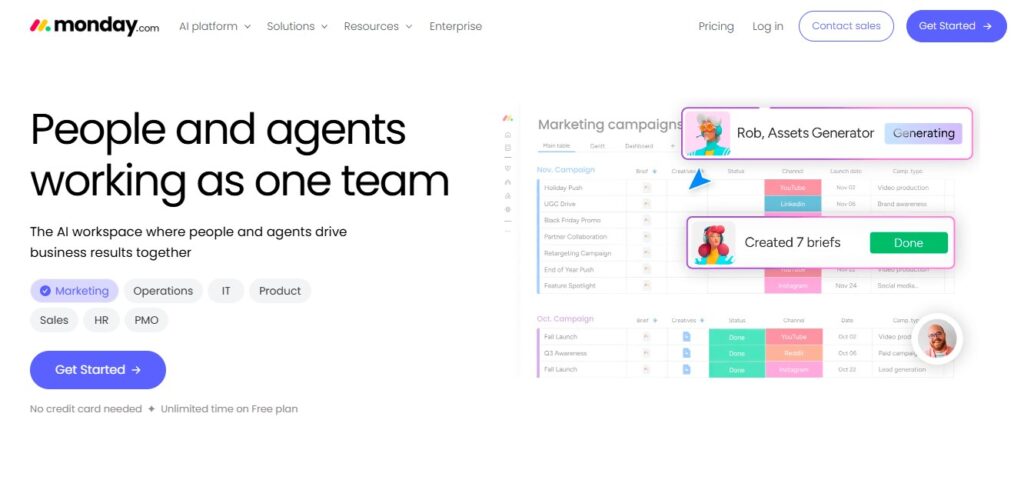
For growing teams, monday is the best all-around solution. The use of color coding on the boards makes monday.com one of the easiest to read at a glance, even for novice project software users. The free plan allows for 2 seats, meaning only a founder and collaborator will be able to use it: this is hardly useful in real use. There are paid plans with a minimum of 3 seats: Basic is $9 per seat per month, Standard is $12 per seat per month (which is the plan most small teams actually need, because it allows for automations, timeline view, and guest access), and Pro is $19 per seat per month. The 3 seat minimum requirement also applies to 2-person teams using the third seat — which might be a factor to consider before signing up.
Ideal for: teams who need a visual board that is highly customizable but avoids any line of code.
2. Asana — The best option For non-technical teams
Asana’s free Personal plan is actually useable for small teams, but it is the paid plans that make Asana a reputable solution. Starter plan has a $10.99/user/month price tag, which includes timelines, custom fields, and unlimited automations, which is really enough for most small businesses. Advanced usage jumps up to $24.99/user/month and introduces goals, portfolios, and workload views, but these are beyond the needs of most teams less than 20 users. It’s the price difference between those two levels that’s important, over 200% higher for features that have yet to be tried by a lot of small teams in a year or two, which depends on users.
Great for: teams looking for a simple, no-nonsense interface and minimal customization.
3. ClickUp — The best option with a lot of features on a tight budget
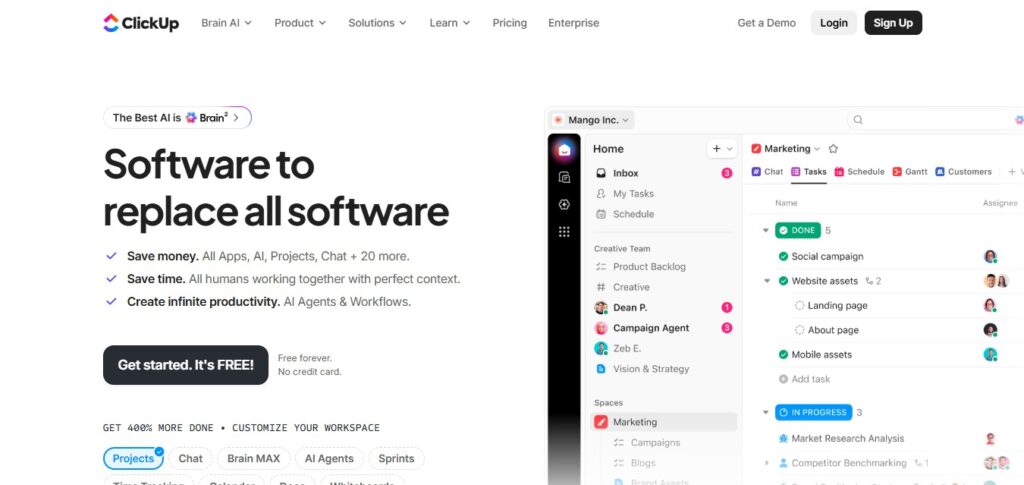
ClickUp’s free plan includes an unheard of amount of features, including unlimited users and unlimited tasks, but storage is tightly limited with most teams quickly reaching their limit. On the cheaper side of things, the Unlimited plan at $7/user/month eliminates that limit and adds dashboards and Gantt charts to it. Business, $12/user/month, provides private views and more permissions. There is one additional aspect to consider that is beyond the plan price: ClickUp’s AI assistant, Brain, is also an additional add-on that you’ll pay extra for per seat, depending on your plan.
Ideal for: cost-conscious teams that require a higher amount of sophistication and are willing to take some time to pick up.
4. Trello – One of the simplest visual tools out there
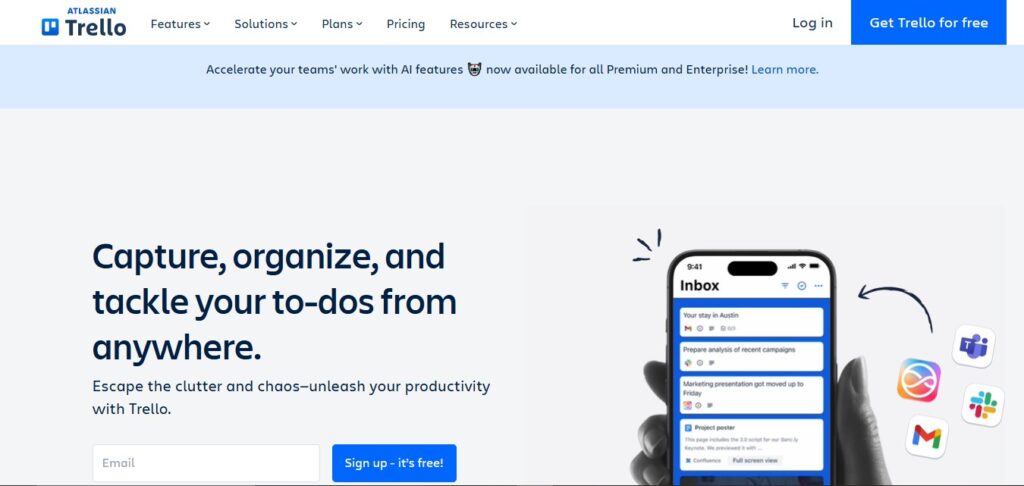
Trello is a tool that’s very visual in nature. For someone who doesn’t know any project management software, the card-and-column structure of Trello may be the most user-friendly option in this list. The free plan is actually free forever, but it does limit you to 10 boards — smaller teams use up those quicker than anticipated. That’s not so with Standard ($5/user/month), one of the least expensive paid options here. If your team needs something more than kanban, Premium ($10/user/month) provides calendar, timeline, and dashboard views.
Ideal for: teams that work in simple task lists and don’t require Gantt charts or extensive reporting.
5. Wrike – Ideal for Marketing & Creative
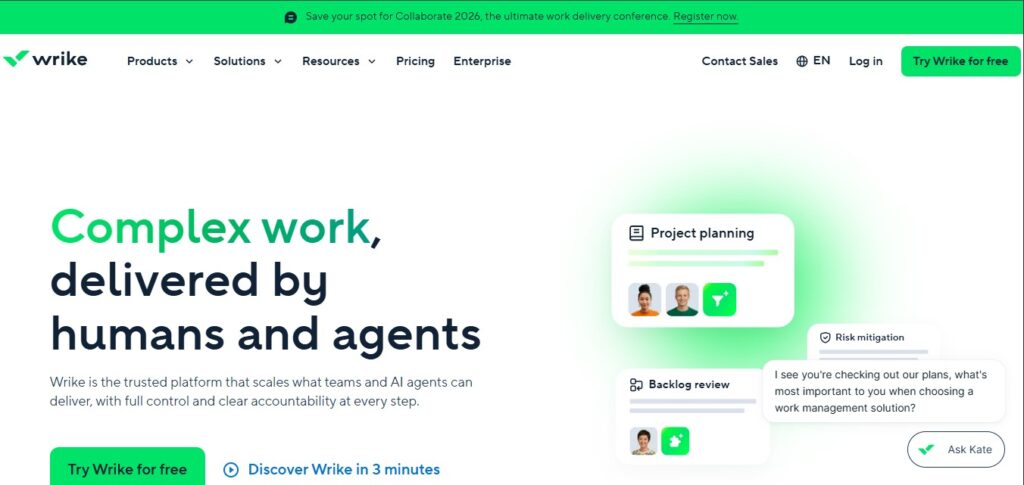
Even before paying anything, it’s worth taking a look at Wrike’s free plan, which offers more capabilities than most, including unlimited users and no limit on tasks. The Team plan, which costs $10/user/month, introduces Gantt charts and dashboards that can be shared, offering a solid level of entry for small teams. Business is approximately $25/user/month – you want to look at the 5 seat minimum, but if you are less than 5 you will need to budget at least $125/month. Any agency that works with clients’ creative projects will find Wrike’s approval workflows and proofing tools to be a perfect match.
Ideal for: Marketing and creative teams looking for approval/review workflows.
6. Zoho Projects — Ideal for teams on a budget
If you’re more focused on the price of the project management software, Zoho Projects can’t be beat for the price: plans begin around $4-5/user/month and this is one of the less expensive on this list that has some actual project management power in its plans (Gantt charts, time tracking, task dependencies, etc.). If you are using the other Zoho services (invoicing, CRM) it comes as a perfectly integrated component within the Zoho suite. It’s not quite as slick as monday.com or Asana, and its free plan isn’t quite extensive enough that it will satisfy the needs of a large majority of small teams (most will need to plan for premium from the outset).
Ideal for: Small businesses that are already using Zoho apps or for those looking for robust features for the minimum cost per user.
7. Basecamp — Best for Flat Predictable Pricing
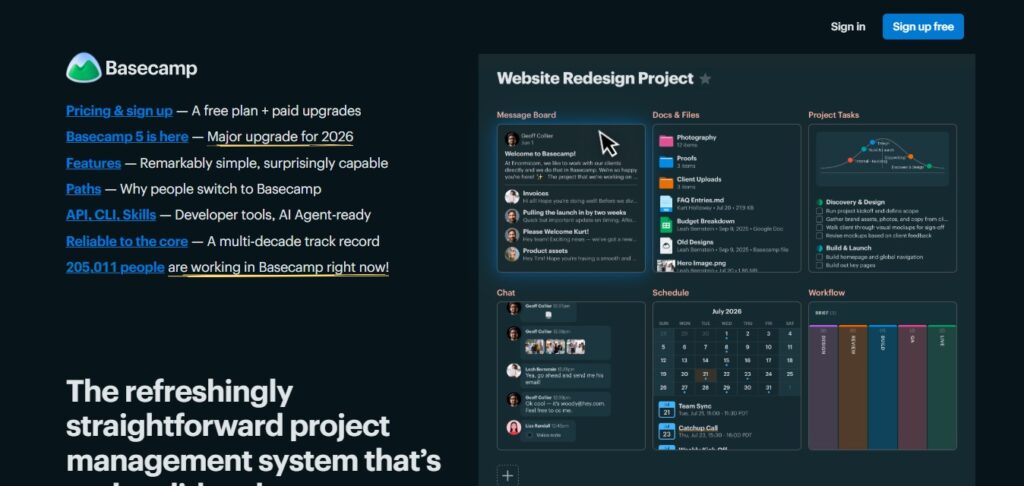
Basecamp stops using per‑seat pricing once you are large enough. The Plus plan costs $15 per user per month easy to budget.. The real story is the Pro Unlimited plan, which charges a flat rate of $299 per month billed annually for unlimited users. Do the math. That flat rate is cheaper than per‑seat pricing once you have about 20 employees. At that point Basecamp becomes cheaper the more you grow which’s the opposite of how most tools on this list behave. Basecamp is intentionally simple offering message boards, to‑do lists, schedules and files. Basecamp does not have Gantt charts or custom automations. For teams that find monday.com or ClickUp overwhelming Basecamp is appealing.
Best for: teams that want pricing and a communication‑first tool over a feature‑heavy one.
8. Notion — Ideal for Combining Docs, Wiki and Tasks
Notion is not a project management tool. It is a workspace that can be turned into a project management tool. The free plan is truly usable for founders.. At $10 per user per month is where most small teams land. It is enough for shared task databases and documents. The catch is that Notions AI features are only available at the $20 per user per month Business tier. Building your project tracker using Notion’s block editor takes more setup time than choosing a purpose‑built tool such as Trello or Asana. It rewards teams to spend an afternoon on setup with a tool that replaces three separate apps.
Ideal for: teams that want project tracking, documentation and a wiki in a single tool and do not mind assembling it themselves.
9. Teamwork.com — Best for Client‑Facing Agencies
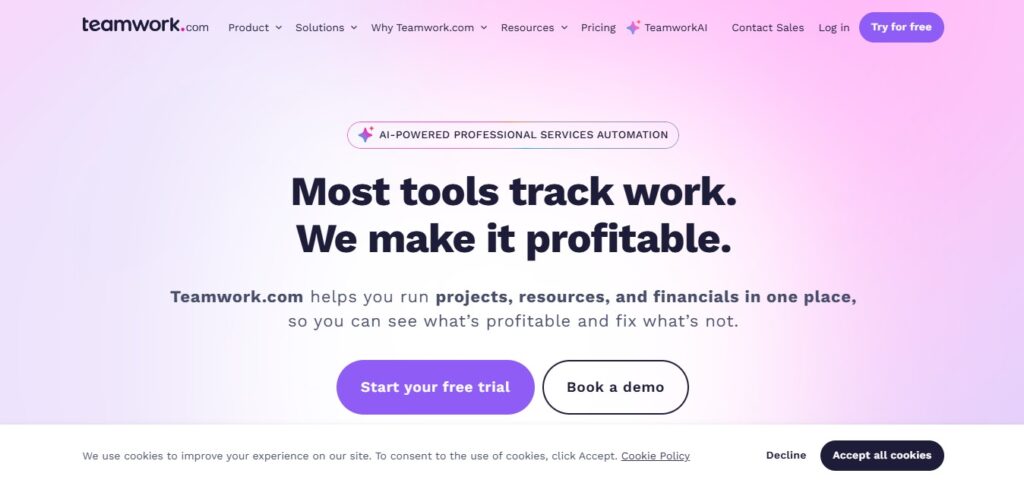
Teamwork.com was built around client work. Billing, invoicing and time tracking are features, not add‑ons. Entry pricing is between $10 and $14 per user per month depending on when you check. Teamwork has adjusted its tiers more than once in the year so confirm current numbers before budgeting. There is a minimum of 3 seats. The next tier adds capacity planning and retainer management, which’re useful when you are juggling multiple client contracts at once.
Best for: agencies and consultancies that bill clients by the hour or by retainer.
10. Smartsheet — Best Spreadsheet‑Style Project Management
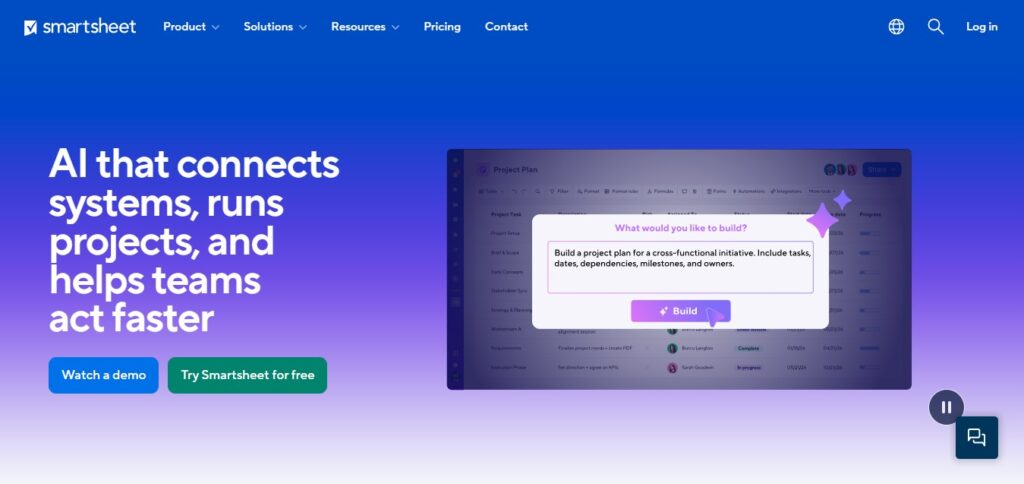
If your team already thinks in rows and columns Smartsheet’s spreadsheet‑first interface will feel instantly familiar, unlike kanban boards. The Pro plan starts at $9 per user per month. The Business plan costs $19 per user per month. Adds unlimited automations and workload tracking. One thing to know upfront is that Smartsheet has dropped its plan. There is no free option, only a 30‑day trial. That makes it a harder recommendation for a team that wants to test‑drive before committing.
Best for: teams coming from Excel or Google Sheets who want structure without a steep visual learning curve.
11. Jira — Ideal for Software and Product Teams
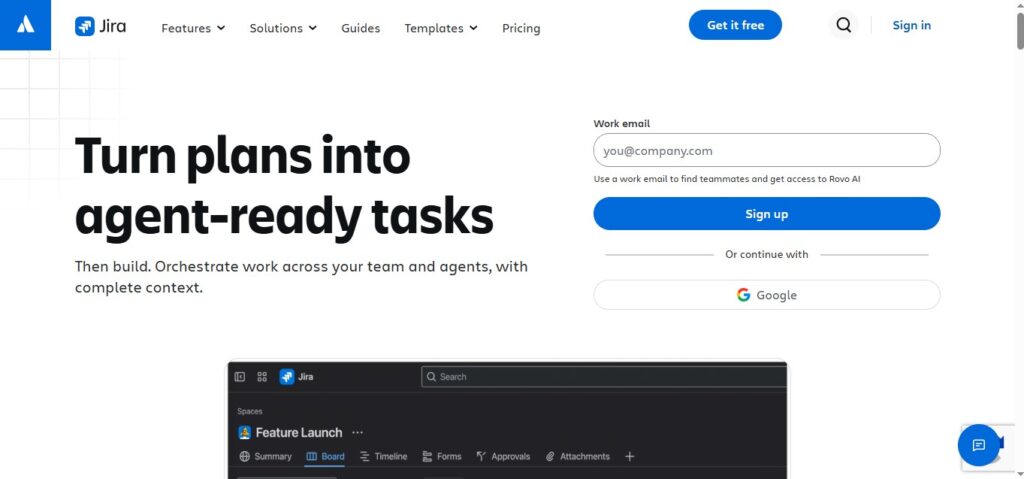
Jira is the outlier on this list. It is built for engineering and product teams that run sprints not for small business project tracking. If that is you the free plan covers up to 10 users with functionality, not a stripped demo. The Standard plan costs about $7.91 per user per month once you outgrow the tier. The Premium plan costs around $14.54 per user per month. For a non‑technical business Jira is almost certainly overkill. For a software team Jira may be the only tool on this list that is built around how you actually work.
Ideal for: software or product teams running agile sprints. Skip this one if you are not writing code.
Free vs. Paid: When Free Project Management Software for Small Business Is Actually Enough
The honest answer: free project management software for small business works for longer than most people assume right up until it doesn’t, and the sign is usually specific rather than vague.
A free plan is enough when your team is under 5 people, your projects don’t need client-facing views, and you’re tracking tasks rather than managing budgets, time, or resource capacity. Trello’s free tier, ClickUp’s free tier, and Wrike’s free tier can all genuinely carry a small team for months, sometimes longer.
You’ve outgrown free the moment any of these show up: you need more than 2–3 people collaborating with full permissions (most free tiers cap this), you need to share a client-facing view of progress, you need automation to stop doing the same manual task every week, or you need reporting that shows more than “here’s a list of cards.” At that point, paying $5–12 per person per month is usually cheaper than the hours lost to the workarounds free plans force on you.
If budget is the only thing holding you back, look at Zoho Projects or ClickUp’s entry tiers first both sit near the bottom of the affordable project management software range while still including real project tracking, not a stripped-down demo.
Simple Project Management Software: Best Picks If Your Team Won’t Use Anything Complicated
Every team has that person sometimes it’s most of the teams who opened a feature-heavy tool once, felt overwhelmed, and quietly went back to email. If that’s a real risk for your business, optimize for simple project management software over powerful project management software. A tool nobody opens has a feature count of zero, no matter what’s on the pricing page.
Trello wins this category outright. Creating a card takes one click. Moving a task to “Done” is a drag. There’s no dashboard to configure, no automation to build before you get value. Basecamp is the second pick here its message-board-and-to-do-list structure asks almost nothing of new users, and its flat pricing means you’re not staring at seat math while onboarding people.
If you want a small step up in structure without losing simplicity, Asana’s Starter tier and monday.com’s Basic plan both hide their complexity well until you go looking for the task lists look like task lists, and the more advanced views stay out of the way unless someone clicks into them.
| Tool | Task Management | Team Collaboration | Time Tracking | Free Plan | Starting Paid Price |
|---|---|---|---|---|---|
| monday.com | Strong, visual boards | Comments, guest access | Pro plan only | 2 users | $9/user/mo |
| Asana | Strong, timelines | Comments, @mentions | Add-on ($5.99/user) | 10 users (varies) | $10.99/user/mo |
| ClickUp | Very strong, granular | Docs, chat view | Built in | Unlimited users, capped storage | $7/user/mo |
| Trello | Simple, card-based | Comments, Power-Ups | Via Power-Up | Unlimited users, 10 boards | $5/user/mo |
| Wrike | Strong, dependencies | Proofing, approvals | Built in (Business+) | Unlimited users | $10/user/mo |
| Zoho Projects | Strong, Gantt charts | Comments, forums | Built in | Limited | $4–5/user/mo |
| Basecamp | Simple, to-do lists | Message boards, pings | Add-on pack | 1 project, 20 users | $15/user/mo or $299/mo flat |
| Notion | Build-your-own | Comments, shared docs | None native | Unlimited (solo) | $10/user/mo |
| Teamwork.com | Strong, client-focused | Comments, client access | Built in | Limited | ~$10–14/user/mo |
| Smartsheet | Strong, spreadsheet-style | Comments, sharing | Add-on | None (trial only) | $9/user/mo |
| Jira | Strong, sprint-based | Comments, dev integrations | Add-on | 10 users | $7.91/user/mo |
Task management software and team collaboration software increasingly overlap nearly every tool above bundles both rather than selling them separately. The real differentiator by 2026 is how much reporting and automation sits behind the paywall, for a broader look at where AI is showing up across other categories, see our AI tools roundup. It is is usually where the jump from entry-tier to mid-tier pricing happens.
Affordable Project Management Software: What You’ll Actually Pay (No “Contact Sales”)
Per-seat pricing looks simple until you multiply it by your actual team size and by the seat minimums several vendors quietly enforce. Here’s what a 5-person team and a 15-person team pay on the entry paid tier of each tool, using annual billing:
5-person team, monthly cost (entry paid tier):
- Zoho Projects: $20–25
- Trello (Standard): $25
- ClickUp (Unlimited): $35
- Jira (Standard): $40
- Wrike (Team): $50
- monday.com (Basic, 3-seat minimum): $45
- Asana (Starter): $55
- Smartsheet (Pro): $45
- Notion (Plus): $50
- Basecamp (Plus): $75
- Teamwork.com (entry tier): $50–70
15-person team, monthly cost (entry paid tier):
- Zoho Projects: $60–75
- Trello (Standard): $75
- ClickUp (Unlimited): $105
- Jira (Standard, entering Standard tier past the free 10): $120
- Wrike (Team): $150
- monday.com (Basic): $135
- Asana (Starter): $165
- Smartsheet (Pro): $135
- Notion (Plus): $150
- Basecamp (Plus, or switch to Pro Unlimited at $299 flat — cheaper at this size): $225 or $299 flat
- Teamwork.com: $150–210
A few honest notes on this math: none of these vendors hide their pricing behind “Contact Sales” at the small-business tier, which is itself worth something you can budget accurately without a sales call. But seat minimums (3 on monday.com, 5 on Wrike Business, 3 on Teamwork.com) mean the sticker price per seat isn’t always the number you’ll actually pay if your team is smaller than the minimum. Always multiply by the minimum seat count, not your headcount, when comparing.
How to Choose: A 5-Step Framework for Picking the Right Tool
Step#1
Describe your primary use case in one sentence. “We need to track client deliverables and deadlines” is not the same thing as “we need to see who is overloaded this week.” Write out your use case before selecting any tools, and you’ll avoid getting sucked into features.
Step#2
Think about your team’s technical proficiency, not your own. “The team will probably love the robust features!” is not a compelling reason to choose a tool if half your staff is actively hostile to new software. Choose the tool that your team will actually use, not the one you dream of using.
Step#3
Calculate your costs accurately. Take the per-seat price and multiply it by the minimum number of seats you’ll need, not the number of people you currently employ. Factor in any additional costs (time tracking, AI, guest accounts) you know you’ll have to pay, and then compare prices.
Step#4
Require a live pilot, not a sandbox demo. Your project manager should be able to import one active project (not a made up “Website Redesign” project) into the tool and play with it for two weeks. Sandbox demos are useful for getting a general idea of a tool’s capabilities, but real-world deadlines and users will impose new constraints that a demo cannot hope to replicate.
Step#5 (Most Important)
Set a strict decision-making deadline. Small companies can waste an entire quarter “reviewing” tools. Set a hard deadline (ideally no later than two weeks after the pilot launch) to avoid wasting too much time on a single project. A slightly worse tool that you actually implement will always be more valuable than an ideal tool you begin implementing in month four.
5 Mistakes Small Businesses Make Choosing Project Management Software
Mistake 1: Selecting a tool based on features
The feature checklist does not always translate into day-to-day usability. An example is a design agency that selected a software based on how features it has but in two months its employees were back to using Excel because nobody had enthusiasm for adopting the new tool.
Mistake 2: Making the decision on your own
Perhaps as a founder you have picked the software. Forced everyone to use it but the adoption rate is low simply because the target end-users were not involved with the decision making. Always ask the people who will be using it more than anyone for their opinion before you commit to an annual plan.
Mistake 3: Migrating all projects at once
If you have been in business for five years chances are very good that your new project tool will have a learning curve when faced with the prospect of migrating five years’ worth of projects into it. Limit the migration to active projects at first and move to older ones as you gain more confidence with the new tool.
Mistake 4: Committing to a plan right away
You should always run a two-week pilot program with a group of people and one real-life project before committing to an annual plan. The pilot will be much cheaper, than canceling the plan you mistakenly committed to.
Mistake 5: Not integrating with the tools they already use
If your project tool does not sync with your email, calendar, invoicing software or any other tools you use daily you will create friction that causes people to resist using it in favor of the software that already syncs. A month later nobody will want to use it.
Real Small Business Stories: What Switching Actually Looks Like
Every “before and after” story you’ll find in this space follows a pattern. It’s helpful to see why if we don’t name the companies involved. Before switching work is scattered everywhere. In people’s inboxes in a shared spreadsheet on a few sticky notes stuck to a monitor. Deadlines are in people’s memories. The owner or manager becomes the go-to person for everything. That means questions like “Wait, who’s doing that?” and “Is it done yet?”.. The answer usually comes from someone trying to remember.
After switching to a project tracker. Even something simple like Trello or Basecamp. The change isn’t usually big right away. It doesn’t happen overnight.. Over time things shift. There are messages asking for updates. Fewer tasks get duplicated because someone forgot they were already assigned. Managers can now look at a board. Quickly say where work stands on any given project. No more digging through emails. Calling people one by one.
The teams that get the value from switching are the ones who choose a tool that fits their actual needs. They don’t try to set up every feature before anyone uses it. Instead they start small. Rolling it out to one team or one project first. That way everyone learns without feeling overwhelmed. They adapt as they go.. Slowly the old ways fade.
If you’ve got your story. Something real, with a clear before and after. We’d love to hear it. Share your experience. We’ll feature it here. Your story could help someone else make that leap.
Project Management Software for Small Teams by Industry: What Actually Work
Healthcare (clinics, home health, small practices): Client confidentiality and scheduling coordination are more important than having dashboards. Smartsheet and monday.com offer views that help teams manage patient scheduling along with internal projects.. Make sure to check your specific compliance requirements before using these tools in a healthcare setting.
Retail and e-commerce: Inventory launches, seasonal campaigns and vendor coordination work well with calendar-based tools. Trello and monday.com both handle campaign calendars smoothly without making simple restock tasks too complex.
Professional services (law, accounting, consulting): Client billing and time tracking are just as important as task tracking. Teamwork.com and Zoho Projects are choices here especially if you already use other Zoho tools for invoicing. They fit better than general-purpose boards.
Marketing agencies and creative teams: Approval workflows and client proofing tend to be more important than tracking how many tasks are completed. Wrike stands out with its built-in proofing tools giving it an advantage, over Trello or Asana for agencies that need to manage client sign-offs.
Get Started in 7 Days: Your Quick-Start Rollout Plan
Day 1 — Set up your workspace. Create your account, set up one project (a real one, not a demo), and invite two or three team members.
Day 2 — Import your current tasks. Move your active to do list or spreadsheet into the new tool. Don’t migrate historical or completed projects yet.
Day 3 — Assign and set deadlines. Every task gets an owner and a due date. Untracked tasks defeat the purpose of switching in the first place.
Day 4 — Connect your core integrations. Link email, calendar, or Slack if the tool supports it, so updates show up where your team already looks.
Day 5 — Run your first real status check inside the tool. Instead of a status meeting, walk through the board together and get comfortable navigating it live.
Day 6 — Get feedback and adjust. Ask the team what’s confusing. Rename views, hide fields nobody uses, and simplify before habits calcify around a clunky setup.
Day 7 — Roll out to the full team. Once the pilot group is comfortable, open it up. Set a norm: if it’s not in the tool, it’s not being tracked.
Frequently Asked Questions
What’s the best free project management software for small business? Trello, ClickUp, and Wrike all offer genuinely usable free plans for teams under about 5 people. Trello wins on simplicity, ClickUp on feature depth, Wrike on built-in structure like Gantt charts.
What’s the easiest project management tool to learn? Trello and Basecamp both have close to zero learning curve. If your team includes people who dread new software, start there before trying anything more feature-dense.
Do I need project management software for a 3-person team? Not always a shared doc can work fine at that size. It’s usually worth switching once you notice duplicated work, missed deadlines, or a growing number of “wait, who’s doing this?” messages.
Which tool is cheapest for a small team? Zoho Projects and Trello sit at the low end of paid pricing, both around $4–5 per user per month depending on the tier. ClickUp’s free plan is also worth trying before paying anything.
Is monday.com worth it for a small business? For teams that want a highly visual, customizable board and don’t mind the 3-seat minimum on paid plans, yes. Teams that want something simpler may be better served by Trello or Basecamp.
Can I switch project management tools later without losing my data? Most tools on this list support CSV or native export/import, so switching later is possible but not effortless. That’s one more reason to run a real two-week pilot before committing to an annual plan it’s much easier to change course before your team’s habits and data are fully built into one platform.
Looking for more ways to run your small business smarter? Visit Digivantaa for more guides like this one.